

The Pantry is a two-pane terminal browser. The sidebar on the left shows a navigation tree of your ingredients. The preview area on the right renders the selected widget with its description, props, and source breadcrumb.Documentation Index
Fetch the complete documentation index at: https://docs.taho.is/llms.txt
Use this file to discover all available pages before exploring further.
Tabs
Four tabs organize ingredients by scope. Each tab maintains its own independent navigation state. Cursor position, expansion, and scroll offset are preserved when you switch between them.Widgets
Atomic components in isolation. Each ingredient renders one widget configuration with mock data.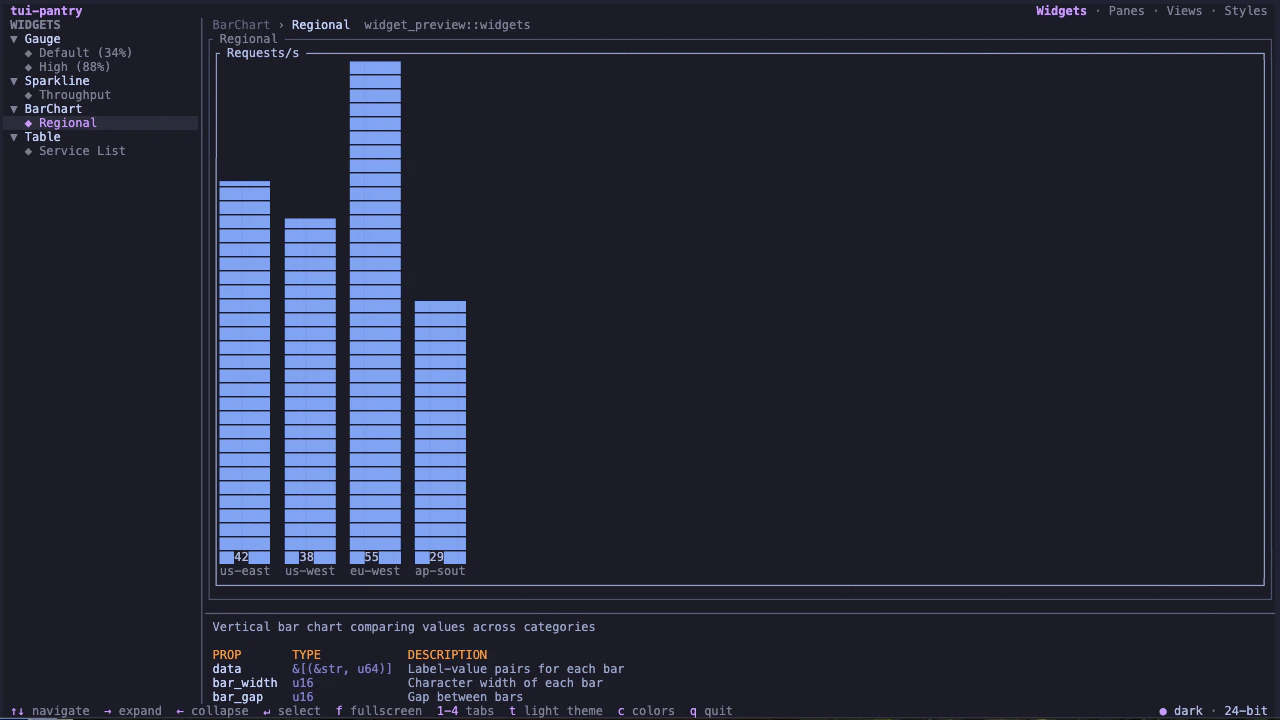
Panes
Composed sections combining multiple widgets into cohesive panels: resource gauges, activity feeds, metric panels.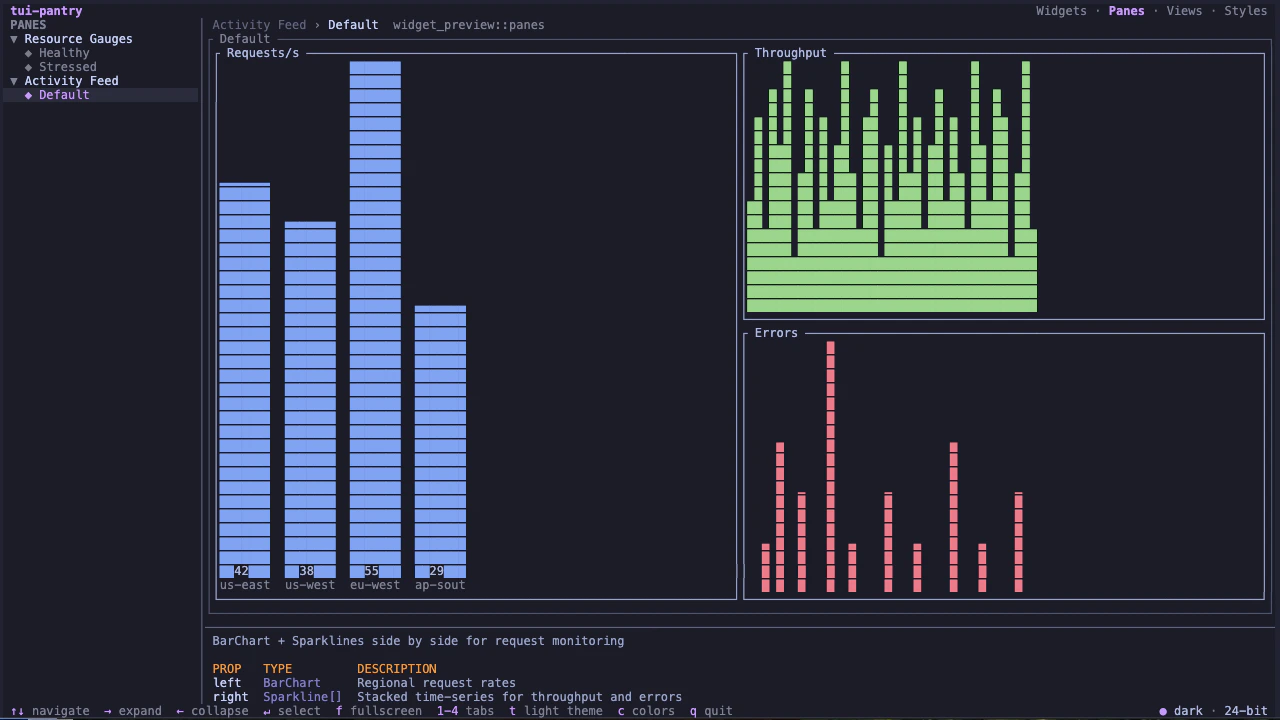
Views
Full-page layouts assembling panes and widgets into complete screens. Use views to preview how your components compose at terminal scale.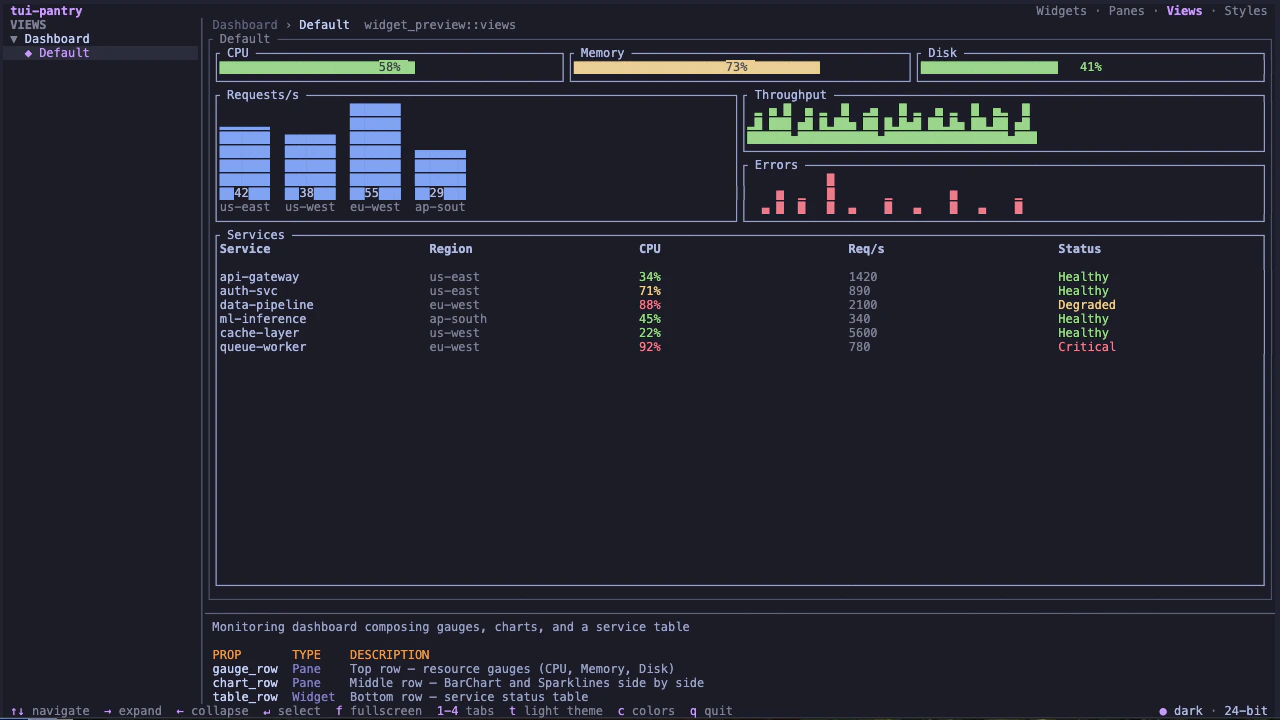
Styles
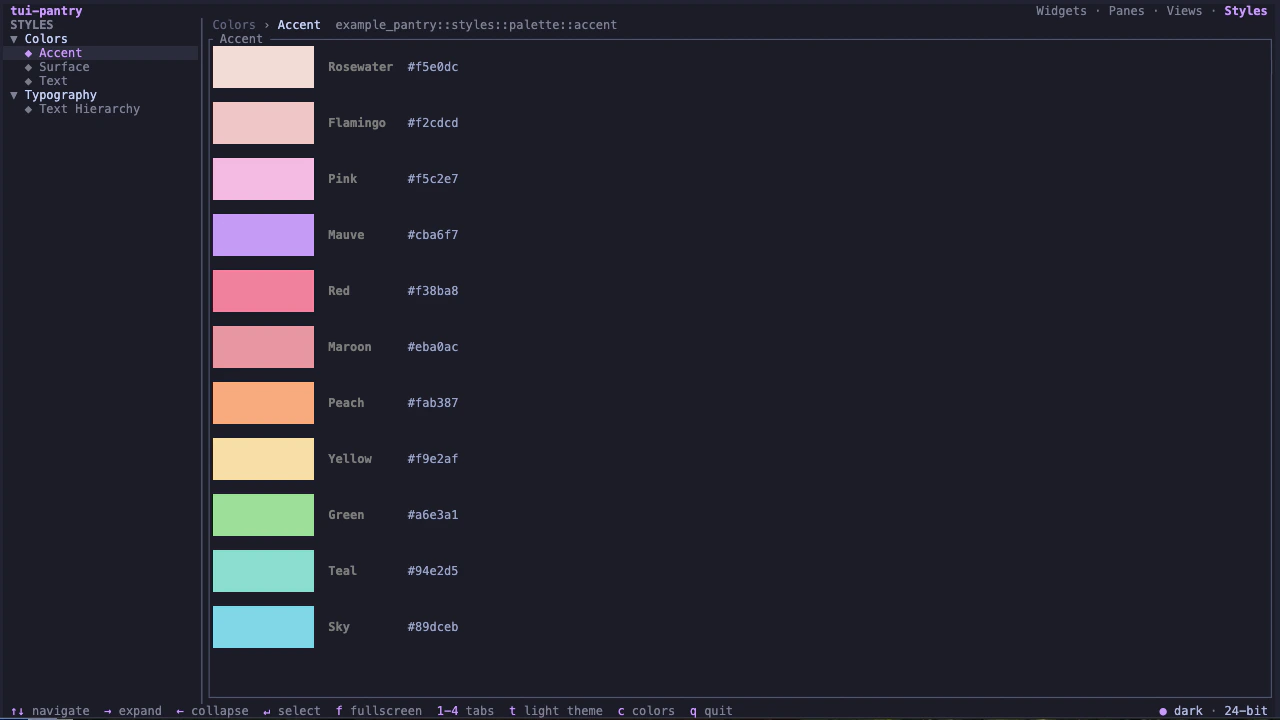
Color palettes and typography driven frompantry.toml. Named swatches with hex values grouped by family, plus text hierarchy samples. No code required. The Pantry auto-generates these ingredients from your configuration.
Sidebar navigation
The sidebar displays a collapsible tree. Groups (widget names) expand to reveal variants underneath. Usej/k or arrow keys to navigate, h/l to collapse and expand groups, and Enter to toggle a group or focus the preview for interactive widgets.
Scrolling follows the cursor automatically. The viewport adjusts to keep the selected entry visible.
Focus modes
The Pantry has three focus modes:- Sidebar (default). Keyboard input controls navigation.
- Preview. Press
Enteron an interactive ingredient to give it keyboard and mouse focus. The ingredient receives key and mouse events directly. PressEscto return to the sidebar. - Fullscreen. Press
fto expand the selected ingredient to fill the entire terminal. PressforEscto return.
Color depth cycling
Not all terminals support TrueColor. SSH sessions, tmux without passthrough, older emulators, and accessibility configurations quantize your palette down to 256, 16, 8, or monochrome. Pressc to cycle through all five color depths and see exactly how your widget degrades:
- TrueColor (24-bit): full palette
- 256-color: xterm extended palette
- 16-color: ANSI standard
- 8-color: ANSI basic
- Mono: no color
Theme toggle
Presst to toggle between dark mode (Catppuccin Mocha) and light mode (Catppuccin Latte). The default can be set in pantry.toml. See Configuration.